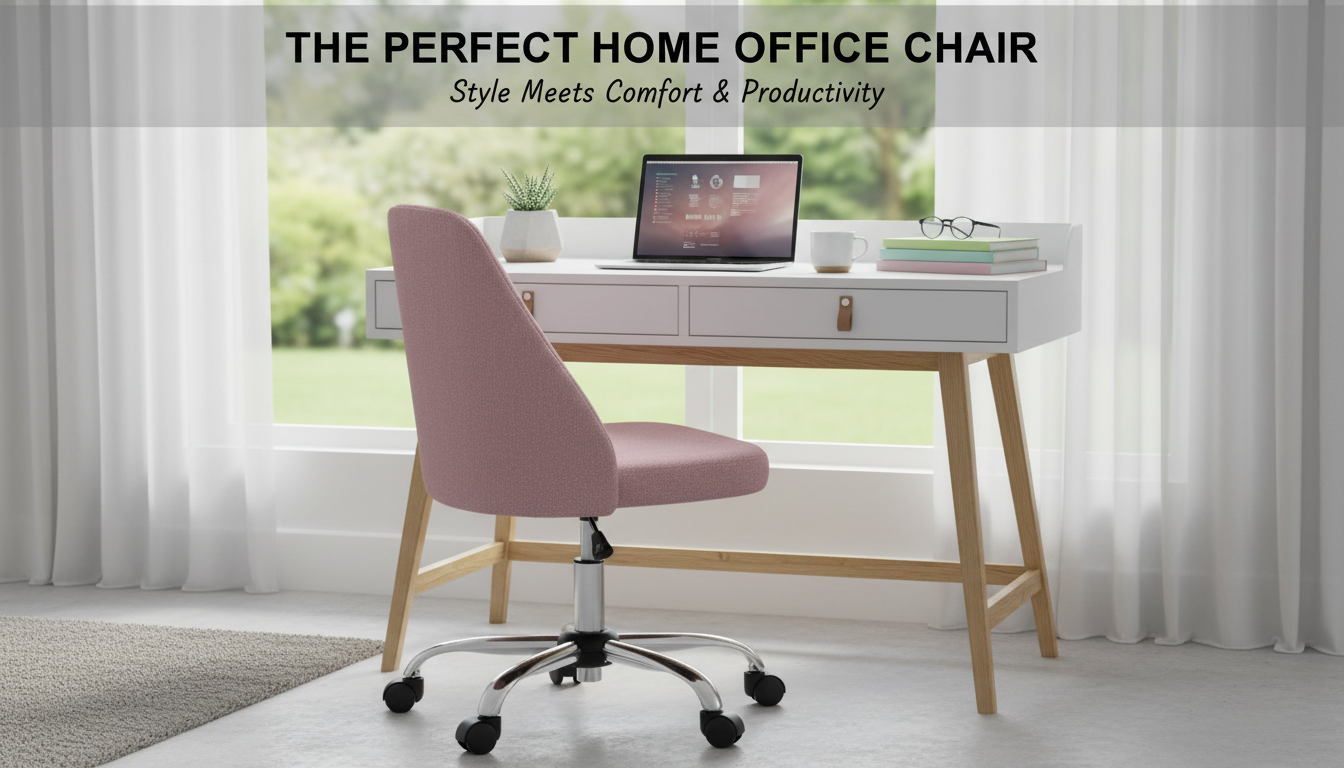
An armless desk chair can be the difference between a cramped workstation and a setup that moves with you. This style fits neatly under smaller desks, supports quick side-to-side tasks with a swivel base, and makes it easy to roll between work zones—all while keeping seat height adaptable for better screen and keyboard alignment. If your desk area is tight, shared, or constantly changing between typing, writing, and reaching, an armless, adjustable chair can make everyday work feel more fluid.
Armless office chairs are a practical match for spaces and workflows where armrests get in the way more than they help. This profile tends to suit:
For general workstation ergonomics guidance, resources like OSHA’s Computer Workstations eTool and the Mayo Clinic office ergonomics guide are helpful references when fine-tuning posture and screen placement.
Compact armless chairs are popular because they solve several common desk frustrations at once:
In day-to-day use, the biggest win is usually “close positioning”: being able to pull in tight so shoulders stay relaxed and wrists don’t have to reach forward to the keyboard.
A chair can be minimalist and still support comfortable work—if the setup is dialed in. Use these quick targets to align the chair, desk, and monitor:
| Adjustment | Target | Simple Test |
|---|---|---|
| Seat height | Feet supported; elbows near desk height | Forearms rest on desk without shoulders lifting |
| Seat distance | Close enough to avoid reaching | Back stays upright while typing |
| Monitor height | Neutral neck position | Eyes land in upper half of the screen |
| Caster movement | Smooth, controlled rolling | Chair moves without needing to scoot or strain |
Swivel and casters are ideal for quick transitions—especially in small rooms where you can’t easily stand up and reposition furniture.
For additional background on preventing discomfort during repetitive tasks, NIOSH ergonomics resources offer practical context around reducing strain through better positioning and movement.
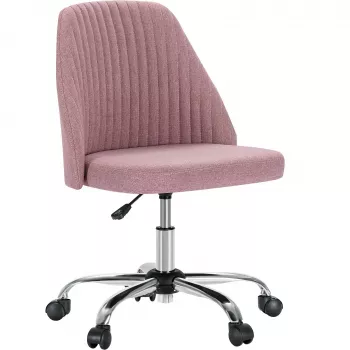
For a fast, space-friendly upgrade, the Armless Small Desk Office Chair with Swivel, Adjustable Height & Wheels is built around the core features that matter most in tight work zones:
| Item | Details |
|---|---|
| Name | Armless Small Desk Office Chair with Swivel, Adjustable Height & Wheels |
| Price | 48.51 USD |
| Availability | In stock |
It can be, as long as the seat feels supportive and the chair height lets you sit close to the desk with relaxed shoulders. If the back is minimal, adding a small lumbar cushion (or a rolled towel) and taking short movement breaks can make longer sessions feel noticeably better.
Most casters roll on both surfaces, but they may feel smoother on hard floors and more resistant on thicker carpet. A chair mat can protect hardwood from scuffs and improve rolling on carpet, and softer casters tend to reduce noise on hard surfaces.
Set the height so your feet are supported, knees are around a 90-degree bend, and elbows rest near desk height without lifting your shoulders. If your desk runs high, you may need to raise the monitor so your neck stays neutral once the chair is adjusted correctly for your arms.












Leave a comment