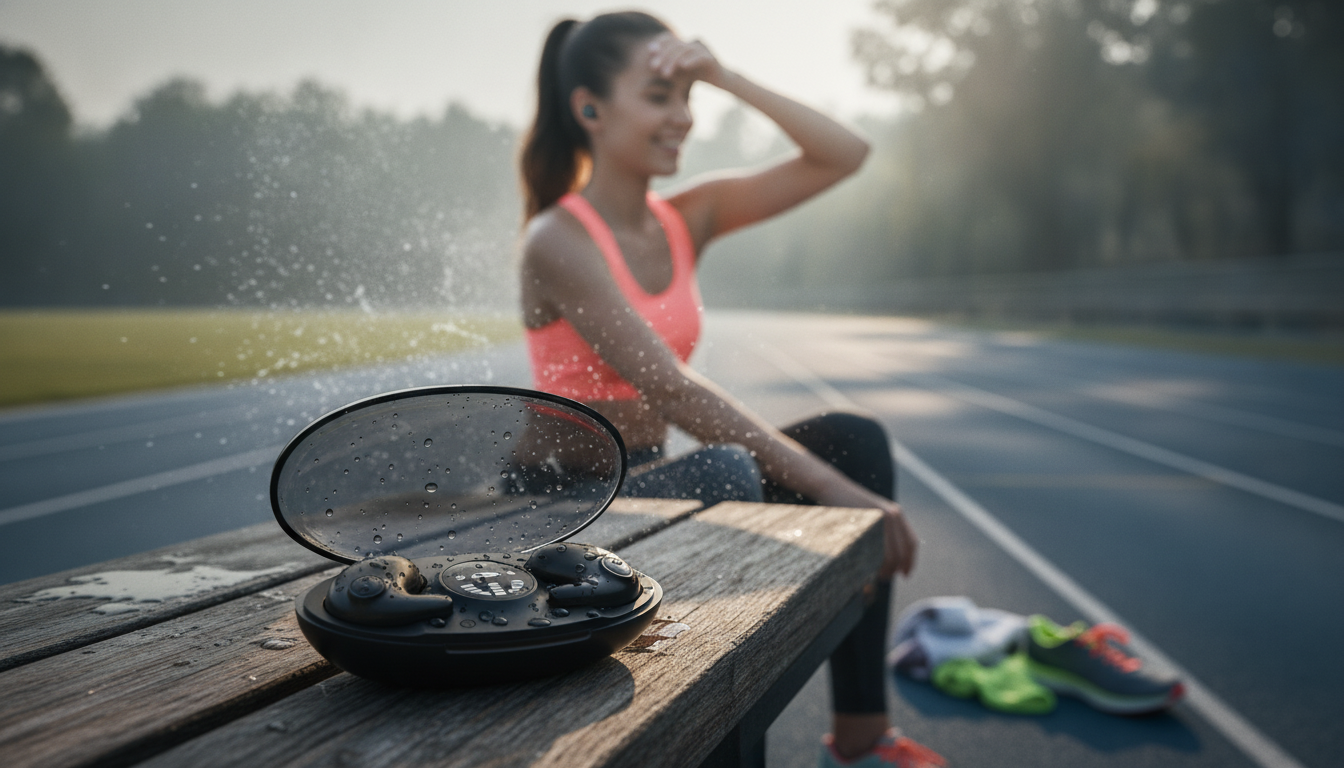
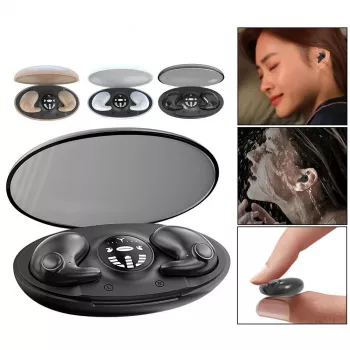
Designed for workouts and daily commutes, these true wireless in-ear earphones focus on a secure fit, sweat resistance, stable Bluetooth 5.3 connectivity, and noise reduction for clearer listening and calls—without adding bulk or cables. If the goal is to move freely, stay comfortable, and keep audio steady while training or traveling, this style of TWS (true wireless stereo) earbud is built for exactly that routine.
True wireless earbuds are all about minimizing friction: pop them in, pair once, and keep moving. Bluetooth 5.3 is part of that convenience story, aiming for efficient connections on compatible devices (for the technical baseline, see the Bluetooth SIG core specification). The in-ear design also matters more than many people expect—when the ear tip seals well, it can naturally reduce outside noise and make bass feel fuller without cranking volume.
| Feature | What it helps with | Best for |
|---|---|---|
| Bluetooth 5.3 | More stable wireless link and better power efficiency on supported devices | Busy gyms, walking in town, daily commuting |
| In-ear fit | Passive isolation from outside noise; more consistent bass | Treadmill, bus/train rides, studying |
| Noise cancellation/noise reduction | Less distraction and clearer audio in noisy environments (effect varies by fit and mode) | Open offices, cafés, street noise |
| Waterproof/sweat resistance | Protection from sweat and light rain | Runs, workouts, warm climates |
| Charging case | On-the-go recharging between sessions | Travel, long days away from a charger |
For training, “secure” usually beats “loud.” A stable seal improves bass response and reduces the temptation to blast volume—especially in gyms where background music and clanking weights compete for attention.
In-ear earbuds reduce noise in two main ways: the physical barrier created by the ear tip (passive isolation) and electronic noise reduction features when supported. In everyday use, fit is often the biggest swing factor—if there’s a tiny leak, outside sound comes rushing back in.
For long sessions, safe listening habits matter. The World Health Organization’s safe listening guidance is a helpful reference for balancing volume, time, and comfort.
A solid connection keeps workouts frustration-free—no random cutouts mid-set, no call audio that stutters while walking outside. Pairing steps can vary slightly by device, but a few habits solve most issues quickly.
Sweat resistance is a huge advantage for sports earbuds, but “waterproof” can be used loosely across listings. When an IP rating is provided, it’s a clearer yardstick for protection level (the IP code system is based on IEC 60529; overview at IEC IP ratings).
They’re typically best treated as sweat- and splash-resistant unless the listing specifies a clear IP rating that supports heavier exposure. Water resistance helps with workouts and light rain, but it doesn’t automatically mean they’re safe for swimming or showers.
Start with the ear tips: the correct size and a snug seal usually deliver the biggest real-world noise reduction. Electronic noise reduction can help too, but its impact varies by fit, mode, and the type of background sound.
Put both earbuds back in the case, close it for a few seconds, then take them out and reconnect. If that fails, “forget” the device in Bluetooth settings, re-pair from scratch, and make sure both earbuds are charging cleanly in the case.










Leave a comment