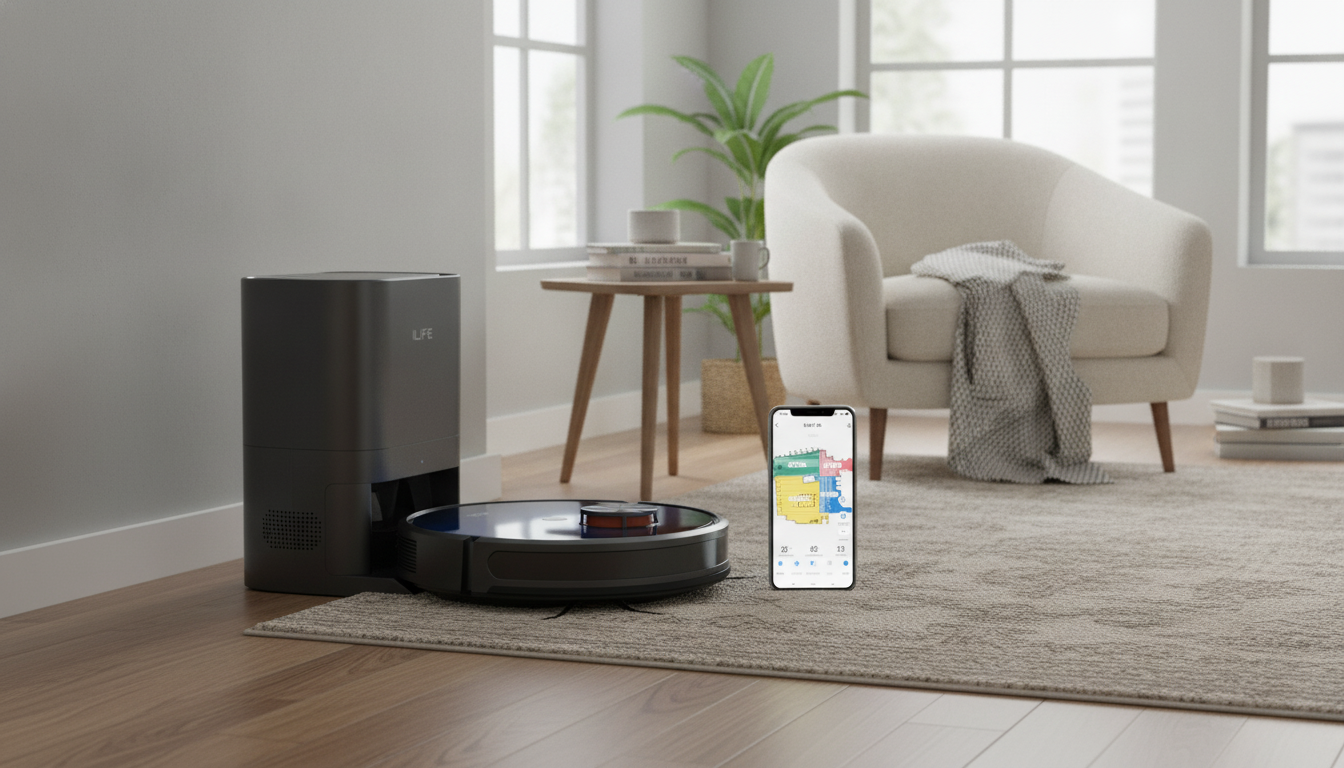
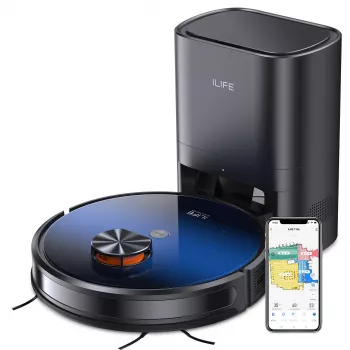
A smart robot vacuum paired with an auto-empty station reduces daily floor-care effort by automating both cleaning and dust disposal. Instead of emptying a small onboard bin after every run, the robot returns to its dock and transfers debris into a larger container. Add app control, and it becomes easier to keep up with routine maintenance cleans, handle surprise messes, and stay on top of consumables like filters and bags.
In normal use, a robot vacuum handles frequent “baseline” cleaning so floors stay consistently presentable between deeper, manual cleanups. Scheduled runs are the big win: the robot leaves the dock, navigates rooms, and returns to recharge. With an auto-empty station, it can also offload debris automatically, so you’re not handling dust every day.
If you’re shopping for a complete setup, see the Smart Robot Vacuum with Auto Empty Station & App Control.
The auto-empty dock is essentially a debris transfer system. When the robot docks, the station pulls dust and dirt from the robot’s onboard bin into a larger bag or container. That reduces how often hands touch debris, and it can help keep suction more consistent because the robot isn’t constantly running with a full bin.
| Item | Why it matters | Practical tip |
|---|---|---|
| Clear docking space | Improves docking success and reduces missed emptying | Keep the station in a low-traffic spot with open approach paths |
| Container/bag monitoring | Prevents loss of suction and clogs | Check status weekly at first, then adjust based on debris volume |
| Filter care | Maintains airflow and pickup consistency | Tap out dust or replace per the maintenance schedule |
| Clog prevention | Avoids loud operation and incomplete emptying | Remove hair from brushroll and check the intake channel regularly |
App control is more than a remote start button. The best features reduce “babysitting” and let cleaning happen quietly in the background. For many households, the real value is routine automation plus clear alerts when something needs attention.
Most “robot problems” are really setup and environment problems: weak Wi‑Fi at the dock, cluttered floors, or a dock placed where the robot can’t approach straight. A few placement habits improve run-to-run consistency.
| Task | Typical cadence | What to watch for |
|---|---|---|
| Remove hair from brush | Weekly (more with pets) | Brush not spinning freely, louder operation |
| Clean/replace filter | Every few weeks to months (varies) | Musty smell, weaker suction, more dust trails |
| Wipe sensors/contacts | Monthly | Navigation mistakes, docking failures |
| Empty/replace station bag/bin | As needed | Station sounds strained, debris not fully transferred |
For practical guidance on connected-device security, review the Federal Trade Commission’s tips at consumer.ftc.gov and CISA’s best practices at cisa.gov.
It depends on debris volume, pets, and how often the robot runs. Check weekly at first, then extend or shorten the routine based on how quickly the bag/bin fills; replace or empty it when full or if you notice reduced emptying performance.
Yes, app-based control typically works over the internet once Wi‑Fi setup is complete. You can usually start, pause, dock, and receive alerts remotely, though weak Wi‑Fi where the dock sits can cause delays or missed commands.
Check whether the station bag/bin is full, then inspect the intake path for clogs and clean or replace filters if airflow seems weak. Confirm the robot is fully seated/aligned on the dock and that charging contacts and sensors are clean, then retry an emptying cycle from the app.










Leave a comment